Edit Windows context menu – remove entries – add entries
The Windows context menu is extremely useful for quickly performing tasks related to the current selection. But on the other hand, it can quickly become confusing.

The Windows context menu is extremely useful for quickly performing tasks related to the current selection. But on the other hand, it can quickly become confusing.
Working with different data on the desktop PC and notebook disrupts the workflow. Synchronize the data on both devices conveniently wirelessly under Windows 10.
Windows 10 offers several ways to improve the security of your system. Often only a few clicks are required.
What exactly happens when the Windows license expires soon? Do I have to buy a new license? And how can the message be switched off so that it never appears again?
How to read your Windows 10 Key and reinstall your operating system can be found in our article.
With Windows 10, Microsoft's operating system has not only become better, but also more curious. Read which data protection settings are important.
The option to sign in to Windows 10 with a local user account may be canceled soon and requires a Microsoft account
You have invested a lot of work in creating your files! Let Windows 10 automatically create file backups to your specifications.
You probably also know the situation that you buy a new PC without an operating system (to save money), since you still have your Windows version for which has already been paid.

E: info@ms-office-training.de
P: (+49) 04181-360254
Mon. – Fr. – 09h to 16:30h
© Copyright 2015 – 2026 | MS-OFFICE-TRAINING

 Word letter template DIN 5008 - with form fields
4,95 € – 5,95 €
Word letter template DIN 5008 - with form fields
4,95 € – 5,95 €
 Word Serienbriefvorlage nach DIN 5008 | (Business & Standard)
Original price was: 12,95 €.8,95 €Current price is: 8,95 €.
Word Serienbriefvorlage nach DIN 5008 | (Business & Standard)
Original price was: 12,95 €.8,95 €Current price is: 8,95 €.
 Excel vacation planner 2023 | with holidays |
Original price was: 14,95 €.9,95 €Current price is: 9,95 €.
Excel vacation planner 2023 | with holidays |
Original price was: 14,95 €.9,95 €Current price is: 9,95 €.
 Word business letter template 2023 - DIN 5008
Original price was: 14,95 €.10,95 €Current price is: 10,95 €.
Word business letter template 2023 - DIN 5008
Original price was: 14,95 €.10,95 €Current price is: 10,95 €.
 Excel Invoice template (not VAT) incl. Master Data
Original price was: 24,95 €.14,95 €Current price is: 14,95 €.
Excel Invoice template (not VAT) incl. Master Data
Original price was: 24,95 €.14,95 €Current price is: 14,95 €.
 Excel Personnel Planner 2023 - different designs
Original price was: 29,95 €.19,95 €Current price is: 19,95 €.
Excel Personnel Planner 2023 - different designs
Original price was: 29,95 €.19,95 €Current price is: 19,95 €.
 Excel invoice template Switzerland 2023 | 0.0% | 2.5% | 3.7% | 7.7%
Original price was: 29,95 €.19,95 €Current price is: 19,95 €.
Excel invoice template Switzerland 2023 | 0.0% | 2.5% | 3.7% | 7.7%
Original price was: 29,95 €.19,95 €Current price is: 19,95 €.
 Excel invoice template 2023 - for Austria - 10% | 13% | 20%
Original price was: 29,95 €.19,95 €Current price is: 19,95 €.
Excel invoice template 2023 - for Austria - 10% | 13% | 20%
Original price was: 29,95 €.19,95 €Current price is: 19,95 €.
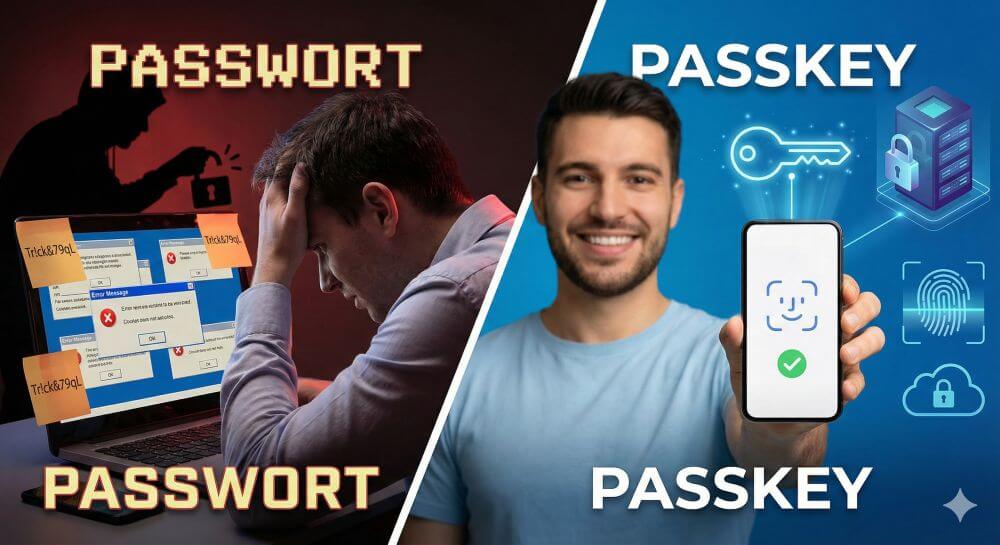
The era of passwords is ending. Passkeys offer protection against phishing and make logging in as easy as glancing at your phone. But what happens when you change phones? This article explains the technology and provides important tips for securely transferring your digital keys.

On October 14, 2025, support for Windows 10 ended. Millions of PCs are now unprotected. We examine the current security situation, the new ESU subscription model, and show solutions for older hardware – from upgrade tricks to secure Linux alternatives.

The AI boom on Pinterest is forcing the platform to rethink its approach. For creators, this presents an opportunity: while bots post perfect illusions, human "imperfection" is becoming the new currency. Learn how to gain user trust through authenticity and process insights.
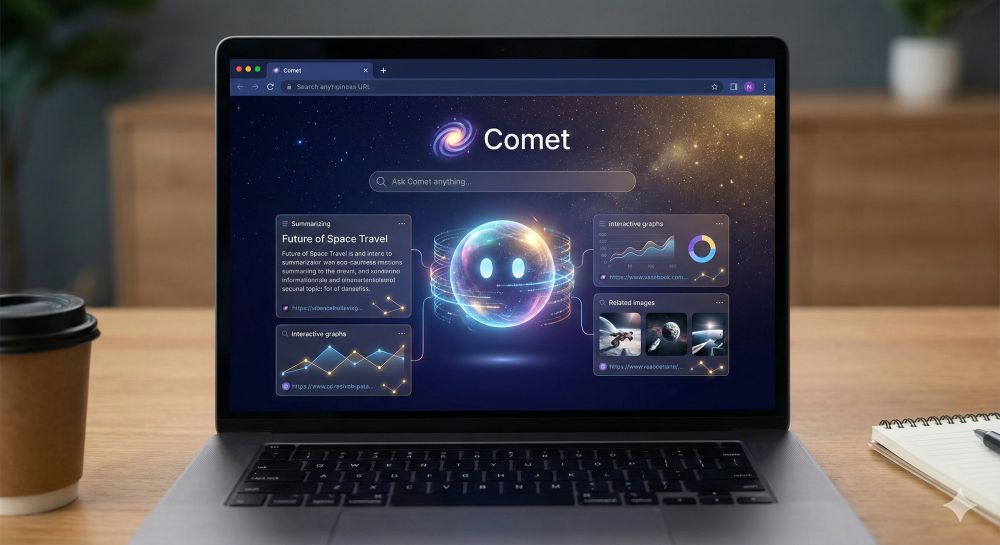
Perplexity is becoming a browser provider. With "Comet," they're launching an AI-native browser for desktop and Android that not only displays websites but also actively performs tasks. Read on to find out how the new "Comet Assistant" and voice features are now putting pressure on Google Chrome.
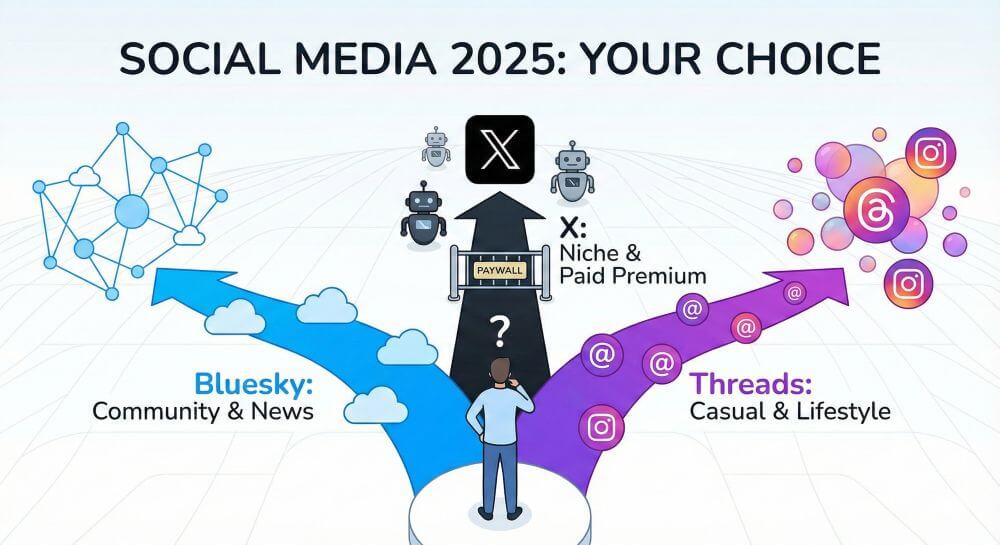
It's November 2025. The dust has settled. X has become a niche, Threads an entertainment machine, and Bluesky the new cultural center. We analyze the three-way division of the internet and help you decide where your digital home will be in 2026.

TCL is enticing customers with rock-bottom prices for huge TVs. But are these 65-inch Mini-LED sets really any good? We analyze their strengths and weaknesses, reveal the secret behind the low prices (CSOT), and compare them to Samsung and Sony to see who should consider buying one.
AI news to wrap up the week: History is being made! For the first time, two AI agents have autonomously negotiated a legally binding contract. Tesla is showcasing humanoid robots in real-world factory use. And: The WHO has officially warned against "AI-driven relationship addiction" and social isolation.
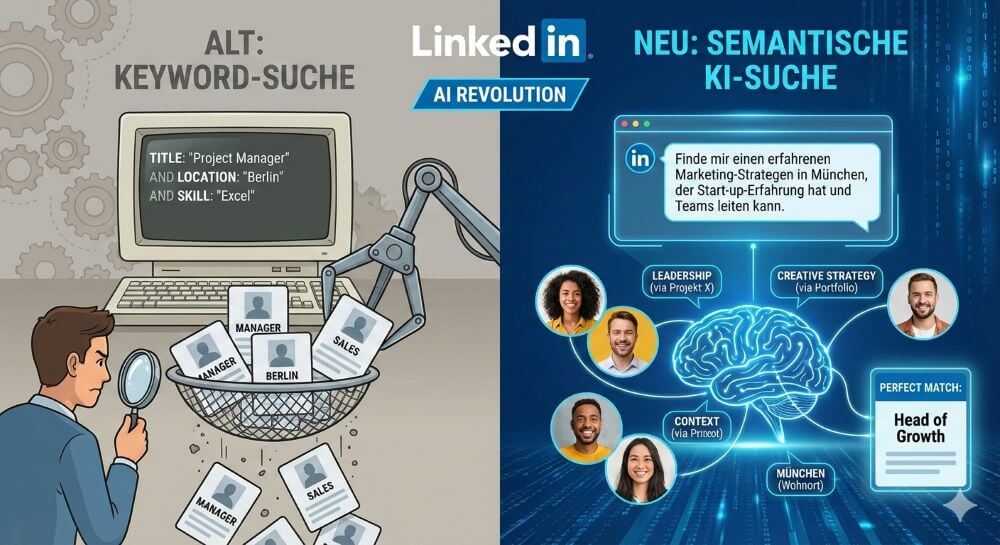
The classic keyword search is outdated. LinkedIn is heavily investing in AI to match talent and jobs using natural language. What does this mean for your profile? We analyze the update and show why context is now more important than keywords.

KI-Texte von ChatGPT und Co. sind allgegenwärtig. Doch wie unterscheiden Sie Mensch von Maschine? Wir vergleichen die Top-Tools wie Originality.ai und GPTZero. Erfahren Sie, welcher Detektor am genauesten ist und wo die technischen Grenzen der KI-Erkennung liegen.
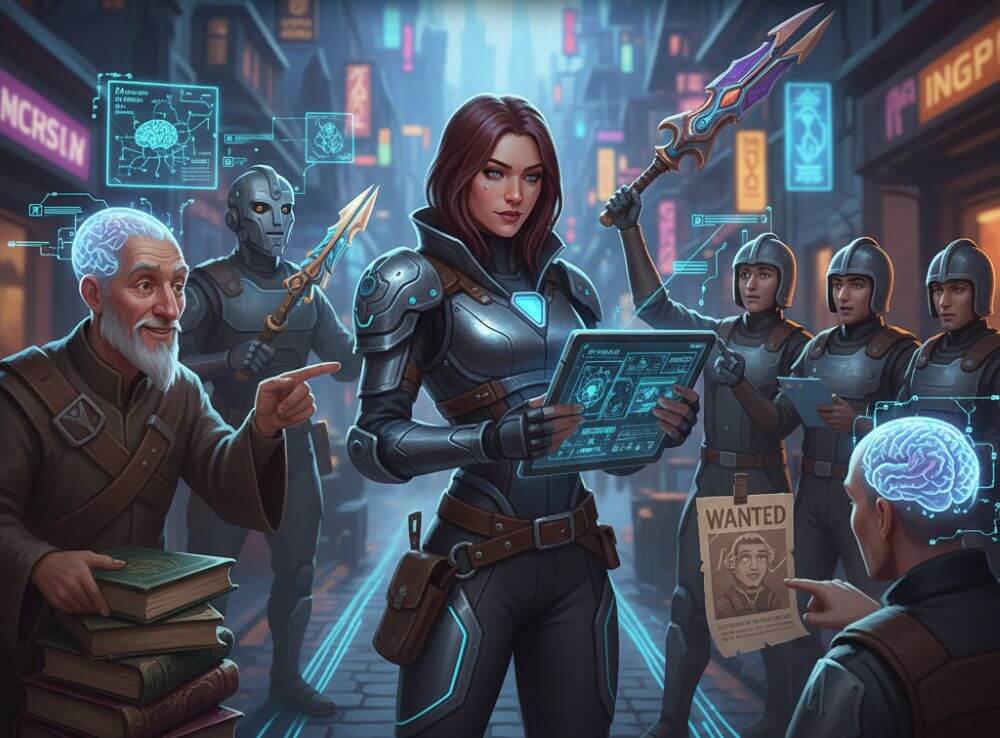
Gone are the days of mindless dialogue trees. Thanks to generative AI, NPCs will soon remember your every action. We analyze how technologies like Nvidia ACE and Inworld AI are changing the gaming world and why your in-game decisions will soon have real consequences.
AI News: Nvidia changes strategy! The chip giant is now focusing on application rather than training. Gaming revolution: Thanks to "Project Mnemosyne," NPCs will have a true, permanent memory for the first time. Plus: Insurers are responding to AI errors with new policies.

YouTube is revolutionizing production: With Google Veo and Aloud, AI becomes your assistant. Whether it's generated backgrounds, scripts, or synchronization – the hurdles are falling. Learn how these tools will change your workflow and what creators need to know about labeling requirements.