

AI-powered surfing and shopping with Bing and Edge


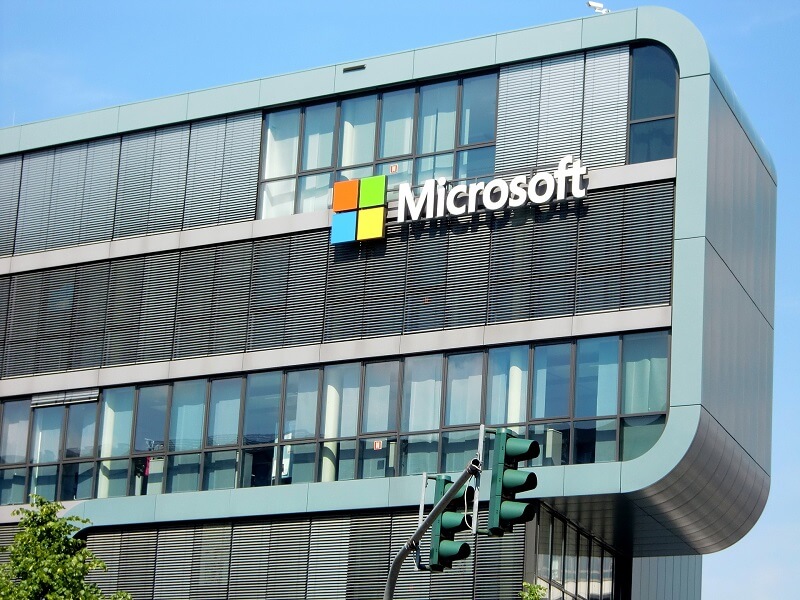
With ten billion searches per day, it’s clear that the demands on search engines go far beyond simply finding web pages. Microsoft has accepted this challenge and presents the new AI-supported Bing and the previously unsuccessful in-house web browser Edge, and wants to revolutionize surfing and shopping through the use of artificial intelligence on the Internet.
The innovations combine search, browsing and chat into a seamless experience that accompanies us throughout the web. Bing now offers an improved search function, which is achieved by working with OpenAI provides more relevant results and a new sidebar that displays more comprehensive answers. Bing searches the entire web to find and summarize the answer you’re looking for, making the search more efficient.
AI-powered surfing and shopping with Bing and Edge
With ten billion searches per day, it’s clear that the demands on search engines go far beyond simply finding web pages. Microsoft has accepted this challenge and presents the new AI-supported Bing and the previously unsuccessful in-house web browser Edge, and wants to revolutionize surfing and shopping through the use of artificial intelligence on the Internet.
The innovations combine search, browsing and chat into a seamless experience that accompanies us throughout the web. Bing now offers an improved search function, which is achieved by working with OpenAI provides more relevant results and a new sidebar that displays more comprehensive answers. Bing searches the entire web to find and summarize the answer you’re looking for, making the search more efficient.
Shopping on the Internet with AI
Shopping on the Internet with AI
For more complex search queries, Bing now offers an interactive chat that refines the search to the desired result, instead of processing new search queries from users as usual. In addition, Bing can help in situations where inspiration is needed, like writing an email or planning a vacation.
For this purpose, the Edge browser was developed in cooperation with OpenAI (The company behind ChatGPT) updated with AI capabilities and a new look, adding features like chat and compose. For example, you can use Edge to request the synopsis of a long financial report or get suggestions for a LinkedIn post. However, these possibilities should only represent the beginning of an exciting future of AI-supported search engines and web browsers. It is not yet possible to say what this development means for content creators such as journalists, but also for SEO optimization for website operators, but the increased use of artificial intelligence for the best search result should shake up the website ranking.
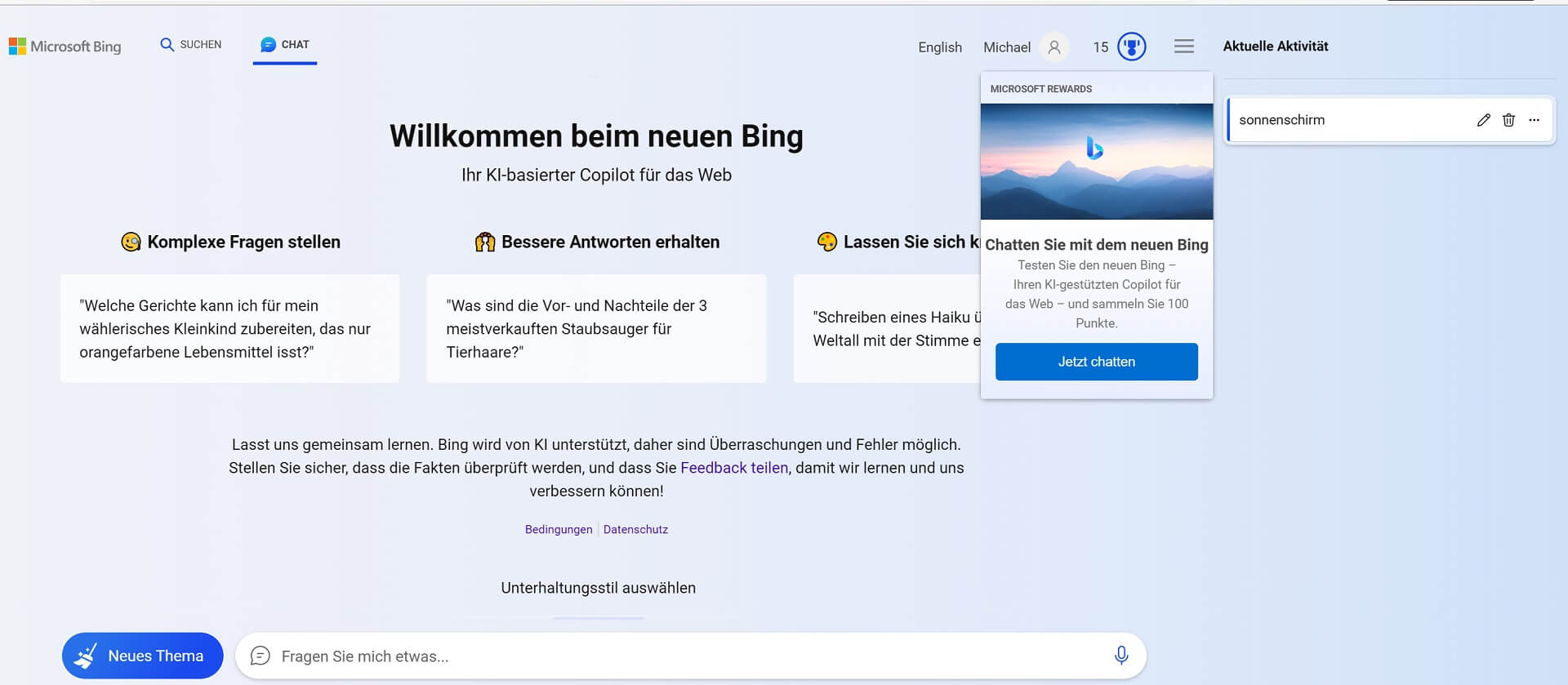
The new Bing experience is based on four technological breakthroughs, including the Next Generation OpenAI Model (GPT 4.0) and the Microsoft Prometheus Model. This combination enables more relevant, timely and targeted results with greater certainty. Microsoft and OpenAI have also introduced safeguards to protect against malicious content and are working on issues such as misinformation and disinformation, content blocking and data security.
The new Bing is available now in a limited preview on desktop, and the preview will be expanding to millions of users in the coming weeks. A preview for mobile devices will also be available soon. Artificial intelligence is here to stay and is changing our world at breakneck speed in almost all areas of life. Even if you don’t see it at first glance, this is behind many of the services we use every day artificial intelligence is stuck.
For more complex search queries, Bing now offers an interactive chat that refines the search to the desired result, instead of processing new search queries from users as usual. In addition, Bing can help in situations where inspiration is needed, like writing an email or planning a vacation.
For this purpose, the Edge browser was developed in cooperation with OpenAI (The company behind ChatGPT) updated with AI capabilities and a new look, adding features like chat and compose. For example, you can use Edge to request the synopsis of a long financial report or get suggestions for a LinkedIn post. However, these possibilities should only represent the beginning of an exciting future of AI-supported search engines and web browsers. It is not yet possible to say what this development means for content creators such as journalists, but also for SEO optimization for website operators, but the increased use of artificial intelligence for the best search result should shake up the website ranking.
The new Bing experience is based on four technological breakthroughs, including the Next Generation OpenAI Model (GPT 4.0) and the Microsoft Prometheus Model. This combination enables more relevant, timely and targeted results with greater certainty. Microsoft and OpenAI have also introduced safeguards to protect against malicious content and are working on issues such as misinformation and disinformation, content blocking and data security.
The new Bing is available now in a limited preview on desktop, and the preview will be expanding to millions of users in the coming weeks. A preview for mobile devices will also be available soon. Artificial intelligence is here to stay and is changing our world at breakneck speed in almost all areas of life. Even if you don’t see it at first glance, this is behind many of the services we use every day artificial intelligence is stuck.

Beliebte Beiträge

Warum dein Excel-Kurs Zeitverschwendung ist – was du wirklich lernen solltest!
Hand aufs Herz: Wann hast du zuletzt eine komplexe Excel-Formel ohne Googeln getippt? Eben. KI schreibt heute den Code für dich. Erfahre, warum klassische Excel-Trainings veraltet sind und welche 3 modernen Skills deinen Marktwert im Büro jetzt massiv steigern.

Microsoft Loop in Teams: The revolution of your notes?
What exactly are these Loop components in Microsoft Teams? We'll show you how these "living mini-documents" can accelerate your teamwork. From dynamic agendas to shared, real-time checklists – discover practical use cases for your everyday work.

Career booster 2026: These Microsoft Office skills will take you further!
A new year, new career opportunities! But which Office skills will really be in demand in 2026? "Skilled use" is no longer enough. We'll show you today's must-haves – like advanced Excel, using AI in the office, and relevant certifications for your resume.

Excel Tutorial: How to quickly and safely remove duplicates
Duplicate entries in your Excel lists? This distorts your data. Our tutorial shows you, using a practical example, how to clean up your data in seconds with the "Remove Duplicates" function – whether you want to delete identical rows or just values in a column.

Dynamic ranges in Excel: OFFSET function
The OFFSET function in Excel creates a flexible reference. Instead of fixing =SUM(B5:B7), the function finds the range itself, e.g., for the "last 3 months". Ideal for dynamic charts or dashboards that grow automatically.

Mastering the INDIRECT function in Excel
The INDIRECT function in Excel converts text into a real reference. Instead of manually typing =January!E10, use =INDIRECT(A2 & "!E10"), where A2 contains 'January'. This allows you to easily create dynamic summaries for multiple worksheets.
Offers 2024: Word & Excel Templates











Beliebte Beiträge
Warum dein Excel-Kurs Zeitverschwendung ist – was du wirklich lernen solltest!
Hand aufs Herz: Wann hast du zuletzt eine komplexe Excel-Formel ohne Googeln getippt? Eben. KI schreibt heute den Code für dich. Erfahre, warum klassische Excel-Trainings veraltet sind und welche 3 modernen Skills deinen Marktwert im Büro jetzt massiv steigern.
Microsoft Loop in Teams: The revolution of your notes?
What exactly are these Loop components in Microsoft Teams? We'll show you how these "living mini-documents" can accelerate your teamwork. From dynamic agendas to shared, real-time checklists – discover practical use cases for your everyday work.
Career booster 2026: These Microsoft Office skills will take you further!
A new year, new career opportunities! But which Office skills will really be in demand in 2026? "Skilled use" is no longer enough. We'll show you today's must-haves – like advanced Excel, using AI in the office, and relevant certifications for your resume.
Excel Tutorial: How to quickly and safely remove duplicates
Duplicate entries in your Excel lists? This distorts your data. Our tutorial shows you, using a practical example, how to clean up your data in seconds with the "Remove Duplicates" function – whether you want to delete identical rows or just values in a column.
Dynamic ranges in Excel: OFFSET function
The OFFSET function in Excel creates a flexible reference. Instead of fixing =SUM(B5:B7), the function finds the range itself, e.g., for the "last 3 months". Ideal for dynamic charts or dashboards that grow automatically.
Mastering the INDIRECT function in Excel
The INDIRECT function in Excel converts text into a real reference. Instead of manually typing =January!E10, use =INDIRECT(A2 & "!E10"), where A2 contains 'January'. This allows you to easily create dynamic summaries for multiple worksheets.
Offers 2024: Word & Excel Templates



















