Office, Karriere und Technik Blog

Office, Karriere und Technik Blog

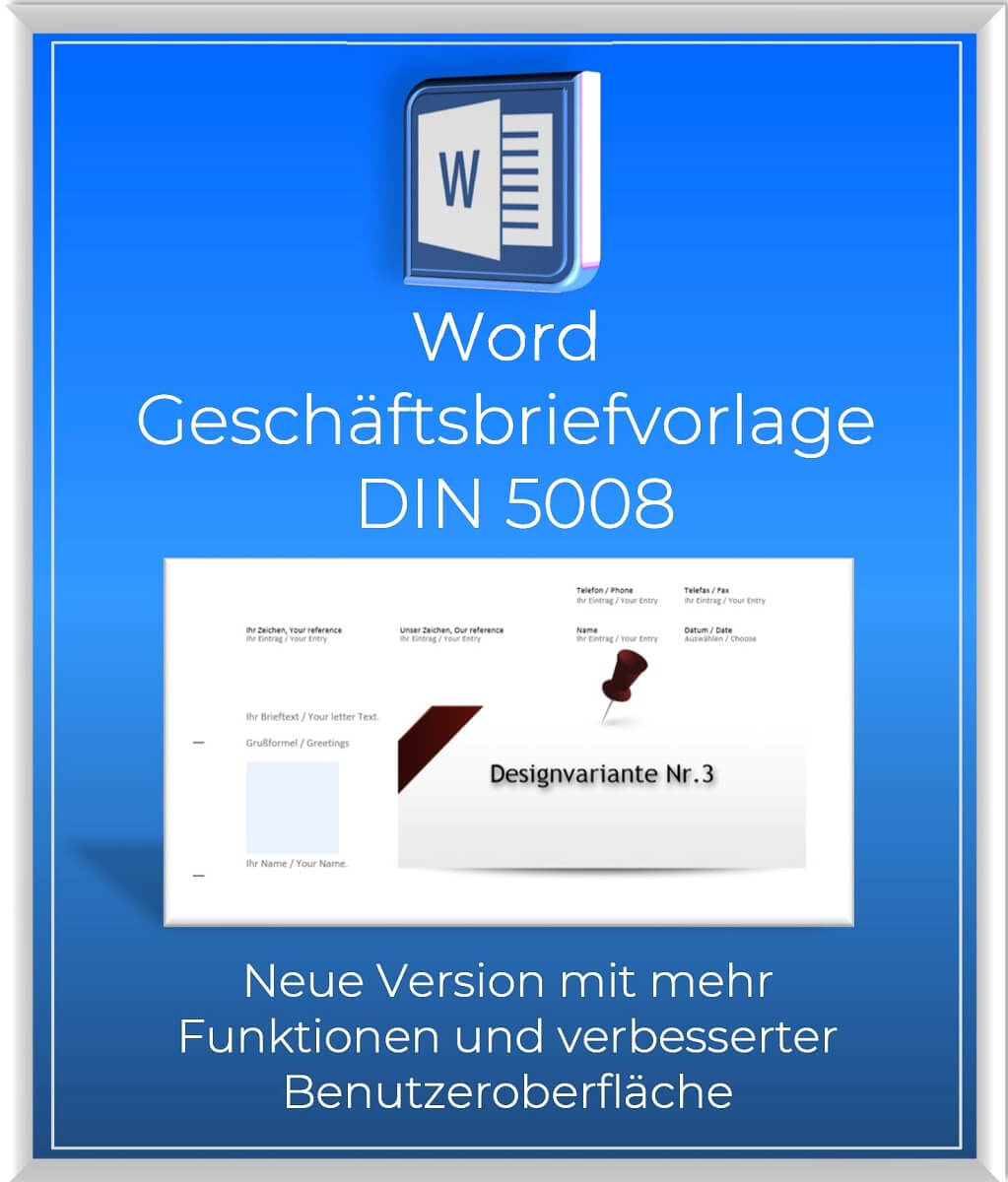
Word business letter template 2023 – DIN 5008

UVP: Original price was: 14,95 €.Current price is: 10,95 €.

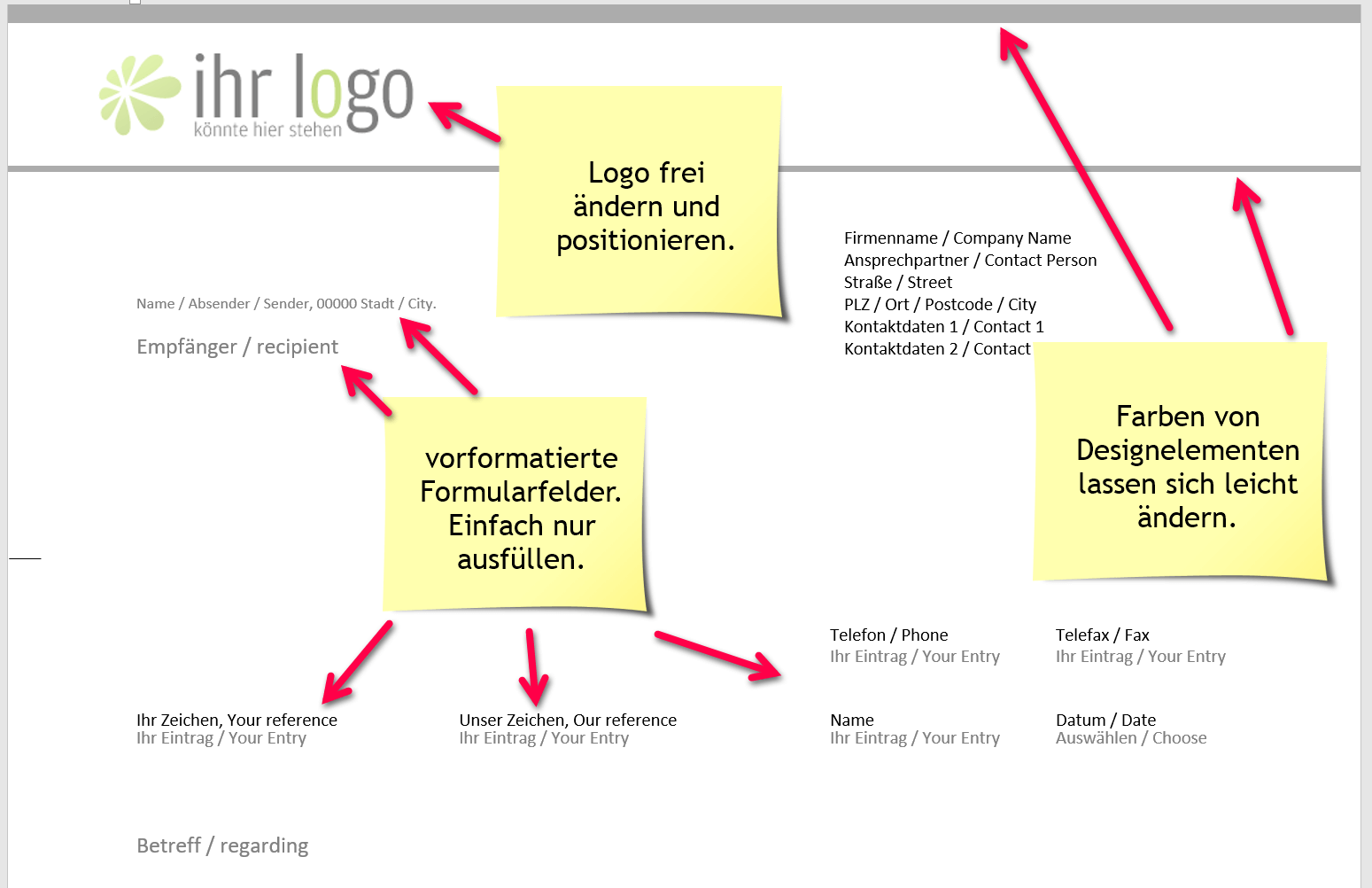
Our DIN 5008-compliant Word business letter template with international orientation sets new standards in terms of convenience and time savings. Unlike traditional templates on the web, our template offers ActiveX controls that save you time-consuming layout customization.

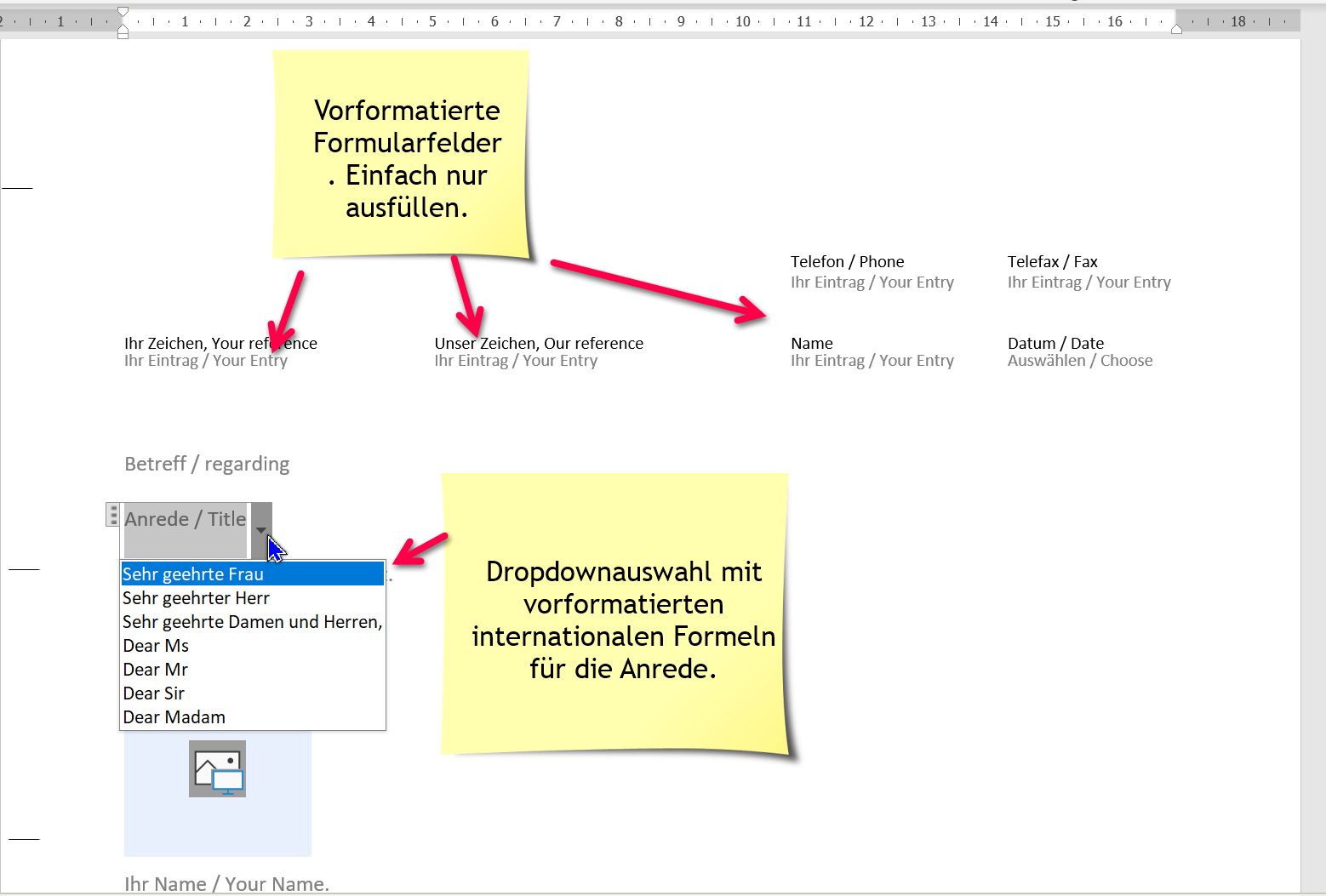
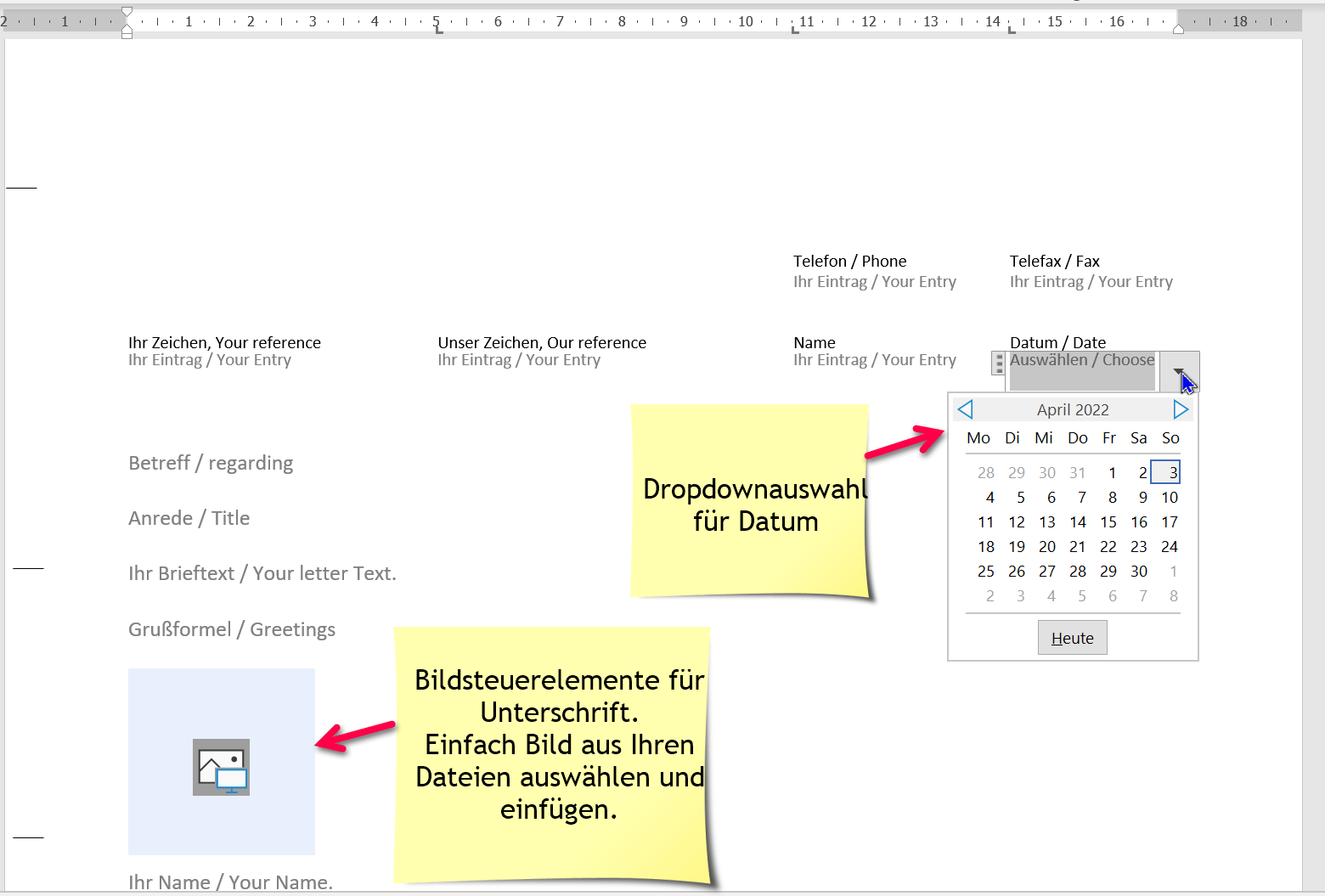
  • The template contains form fields for references, salutation, letter text, greetings and much more. You can simply insert your signature as an image with a mouse click. Filling out the form fields is child’s play and allows you to write business letters quickly and easily.
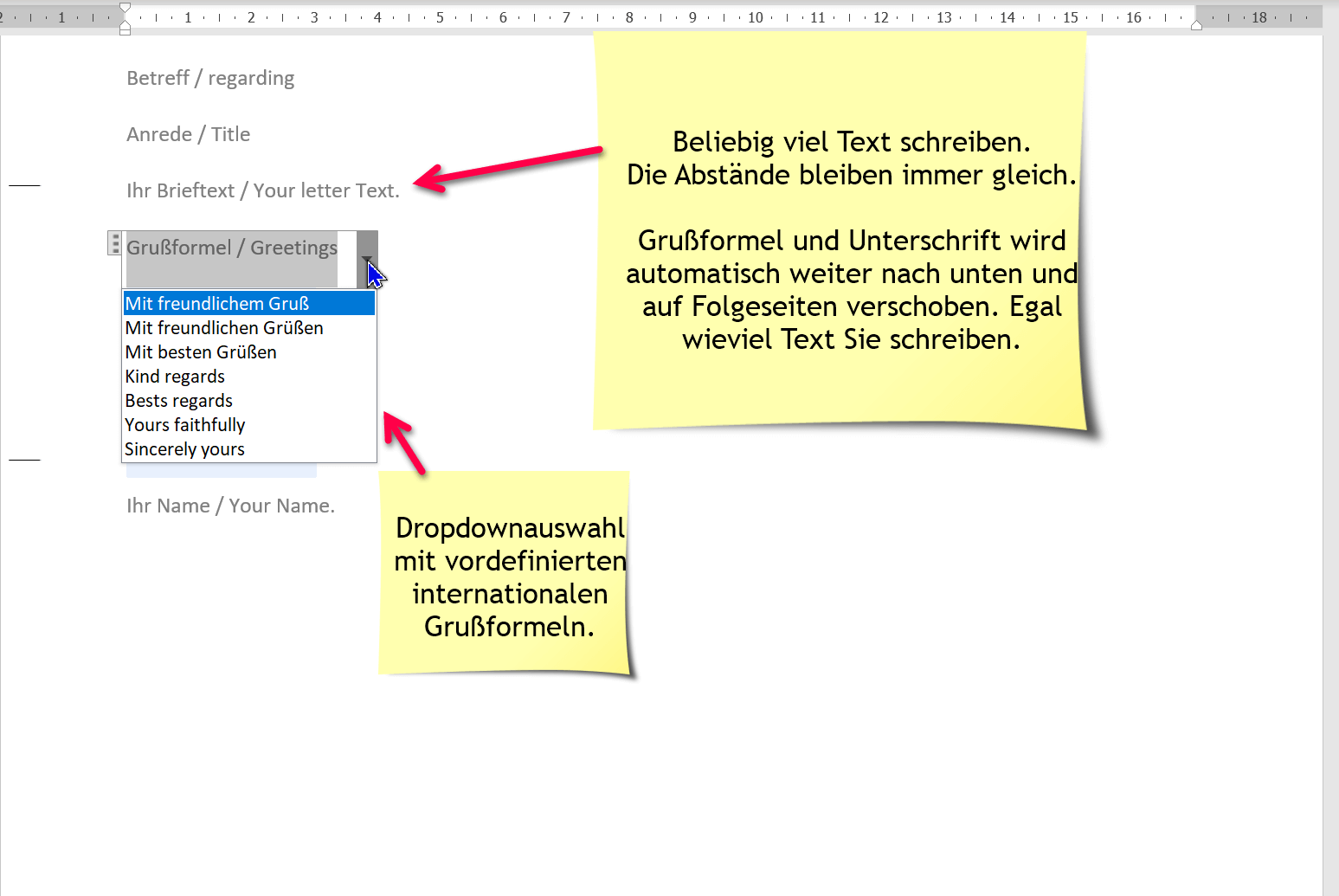
  • The fixed distances between the fields ensure that nothing moves unintentionally and your layout always remains perfect. Even without being a Word expert, you can use our template to create professional business letters.

Make your everyday life easier and save valuable time with our Word business letter template.
You don’t have to be a Word professional to be able to work properly with our letter template!

  • All fonts, font sizes and colors are fully editable. Immediately available as a digital download (when paying via PayPal or Klarna).

Tip: You can also get this template at a reduced price in our Business Bundle (no VAT), as also the3 in 1 | Business Bundle in different variants, and with over 40 possible combinations.

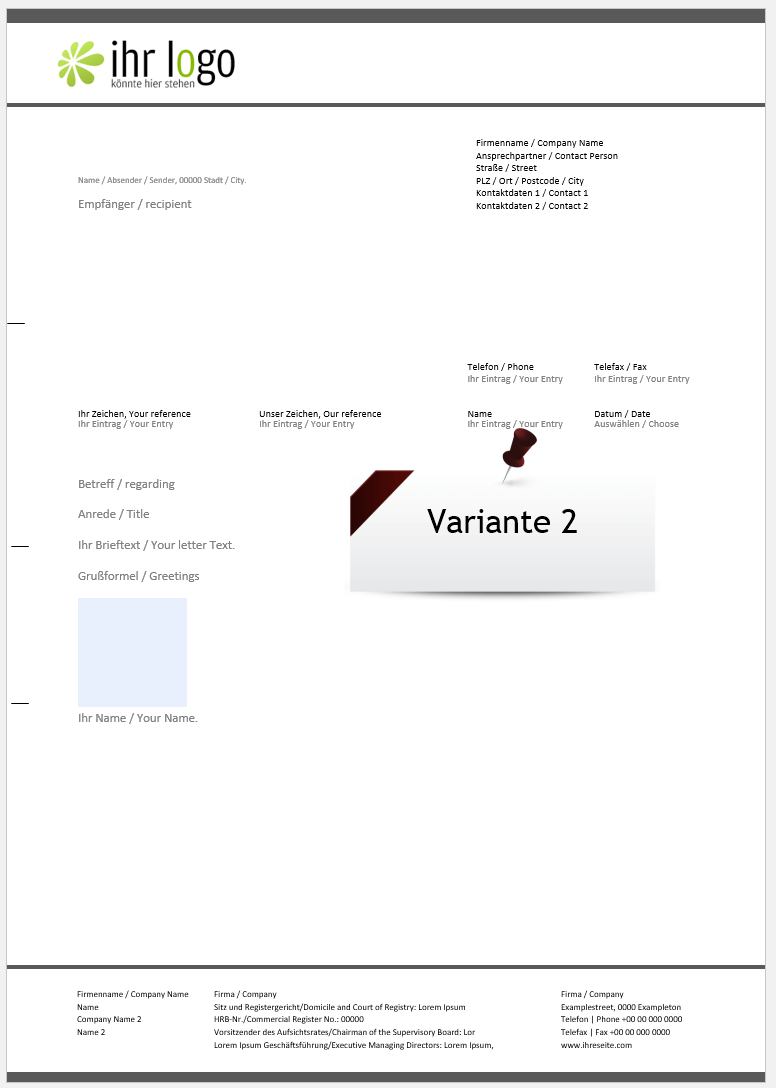
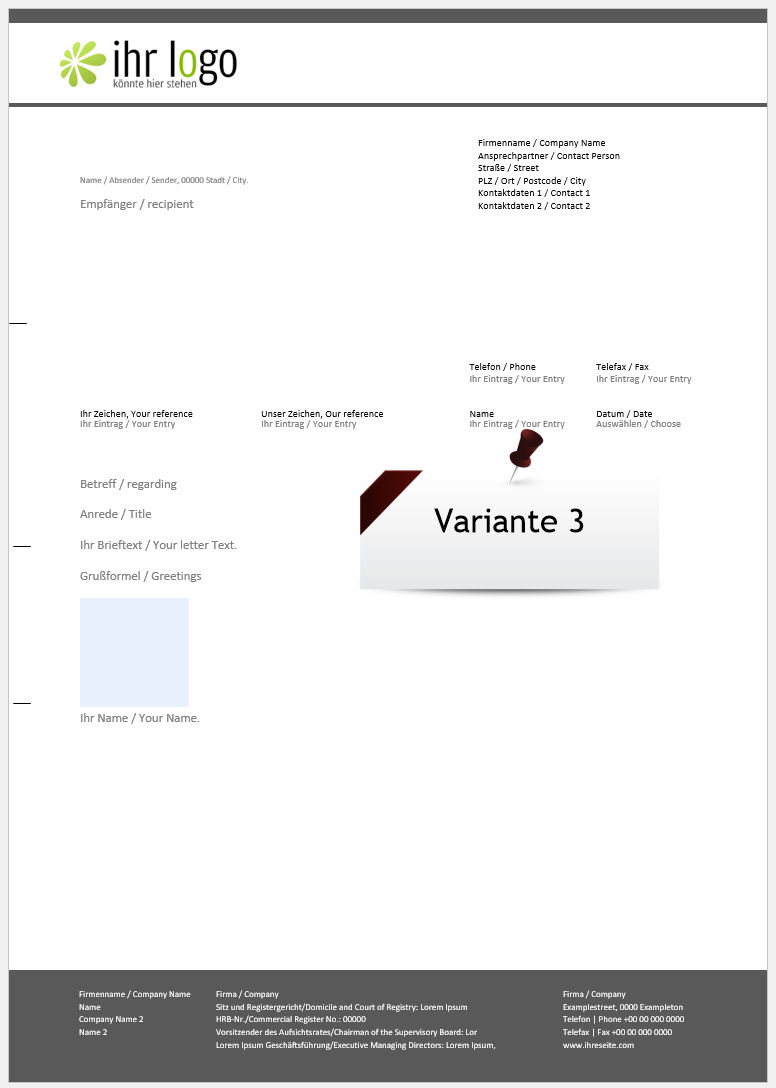
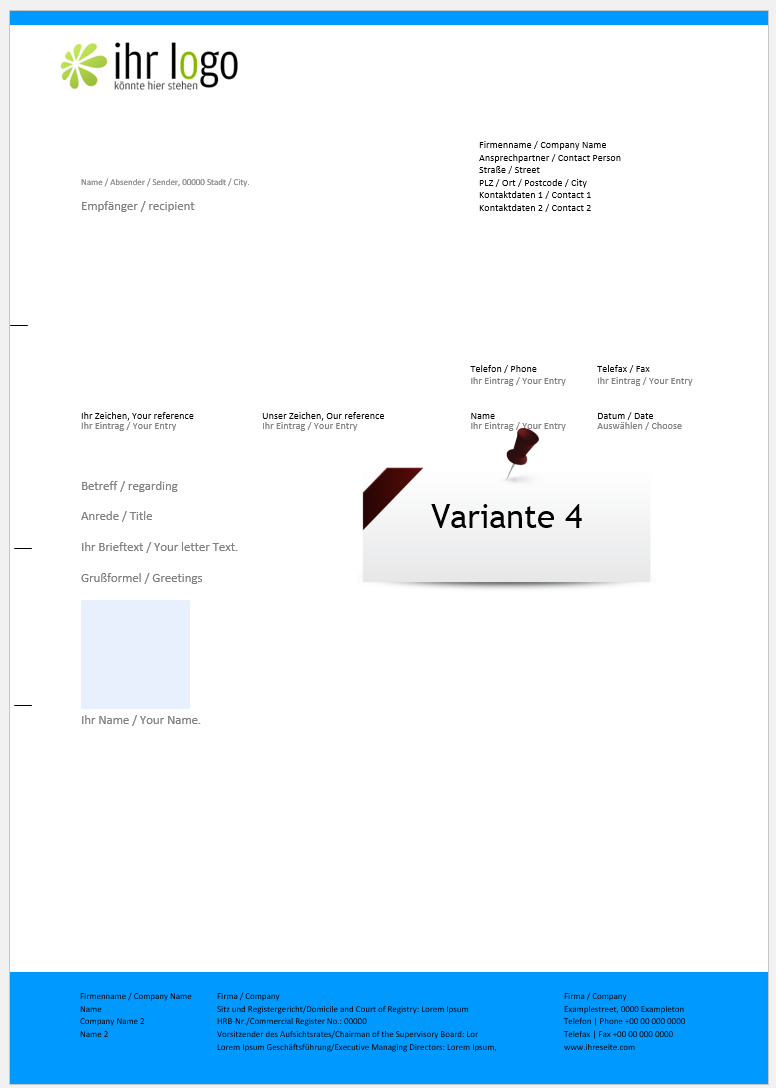
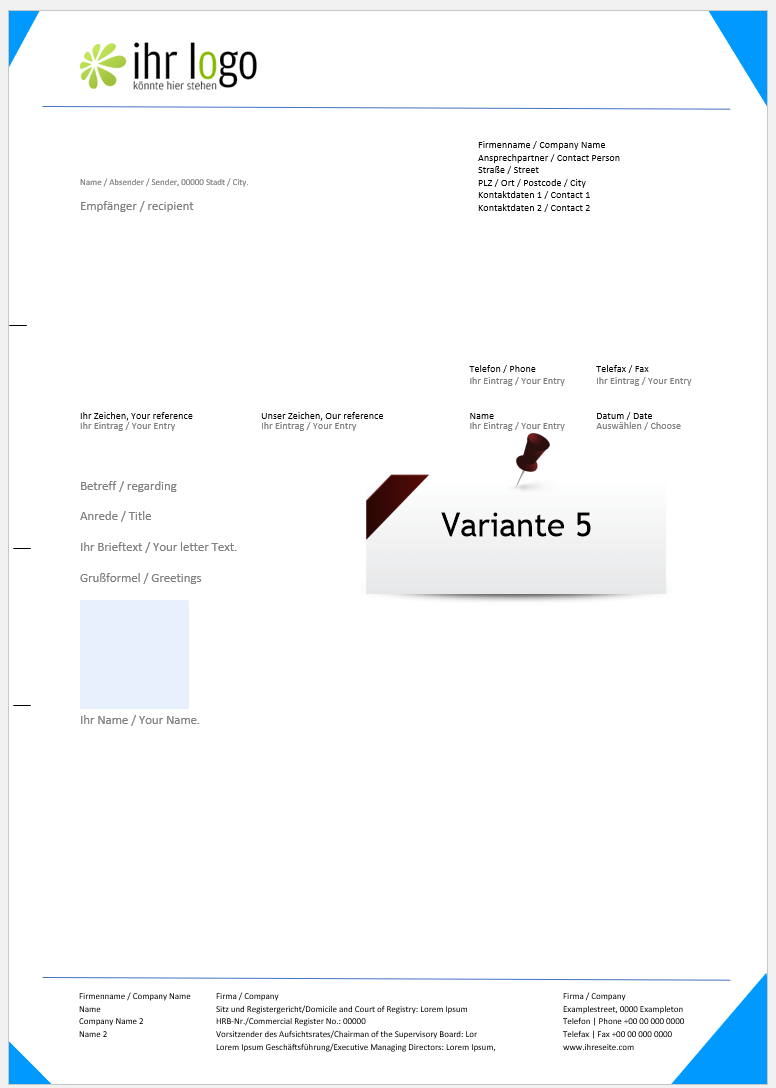
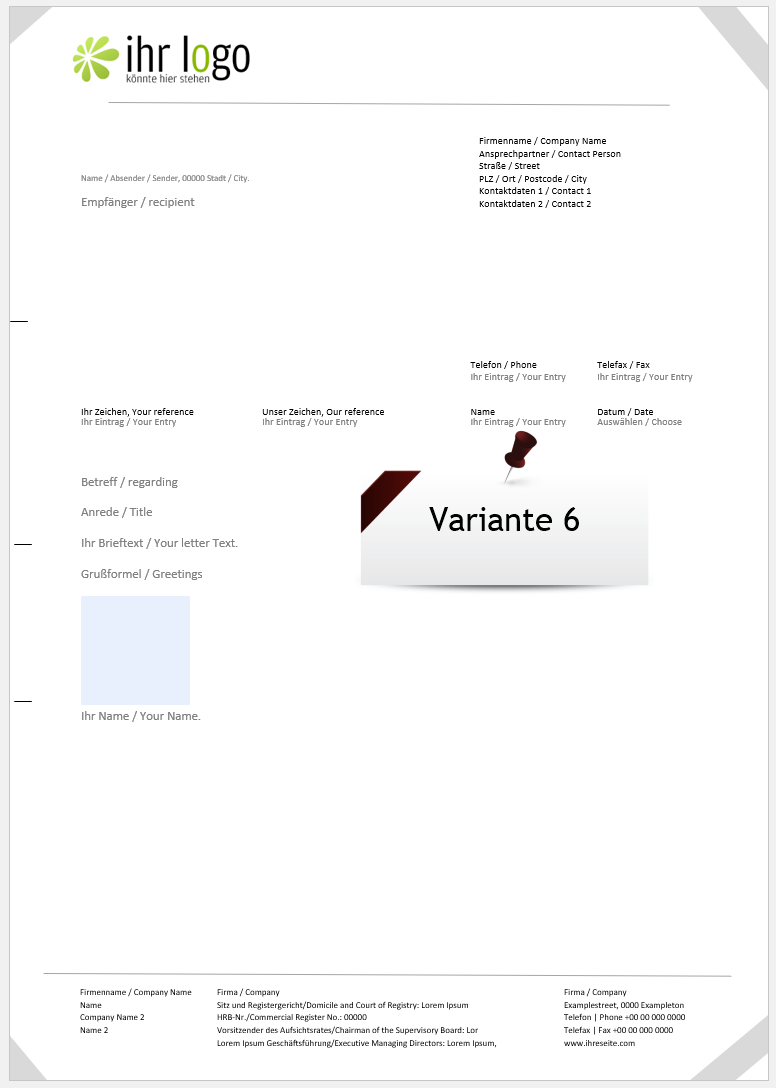
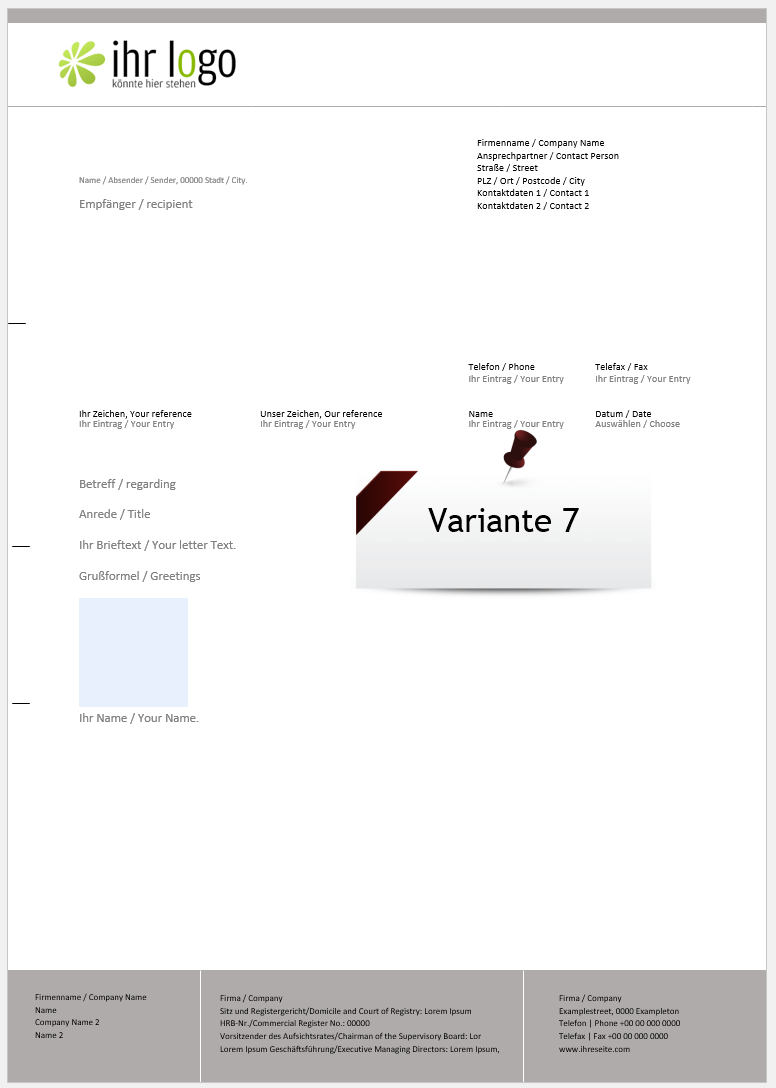
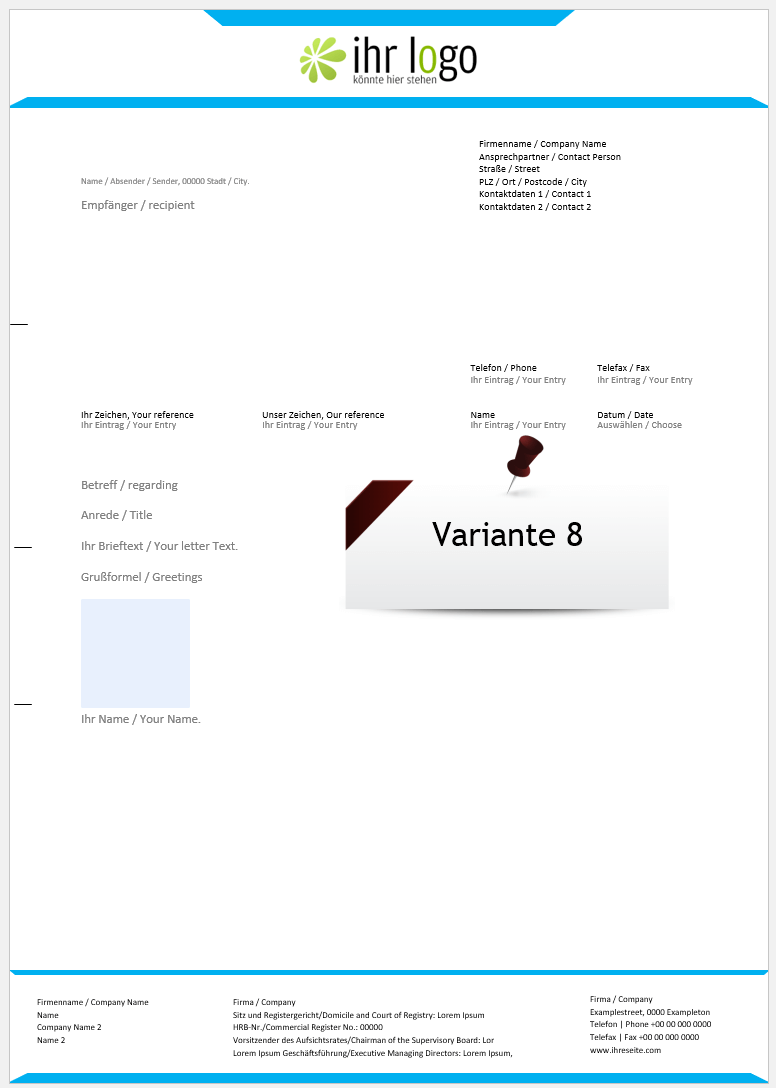
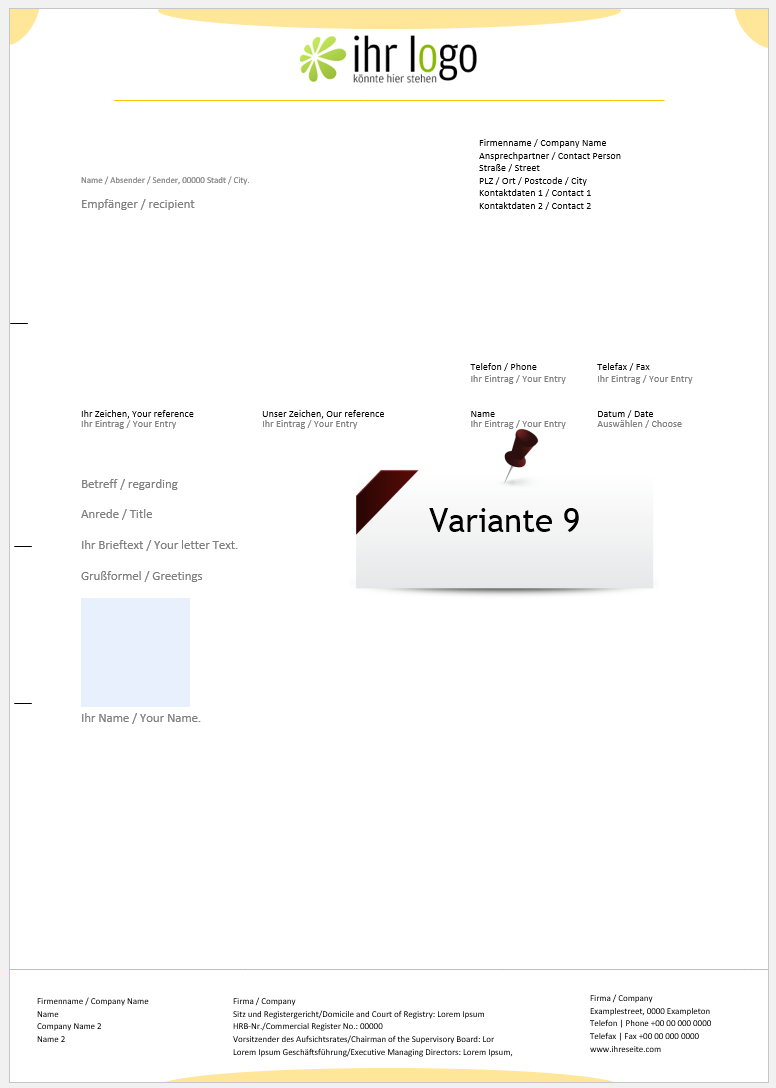
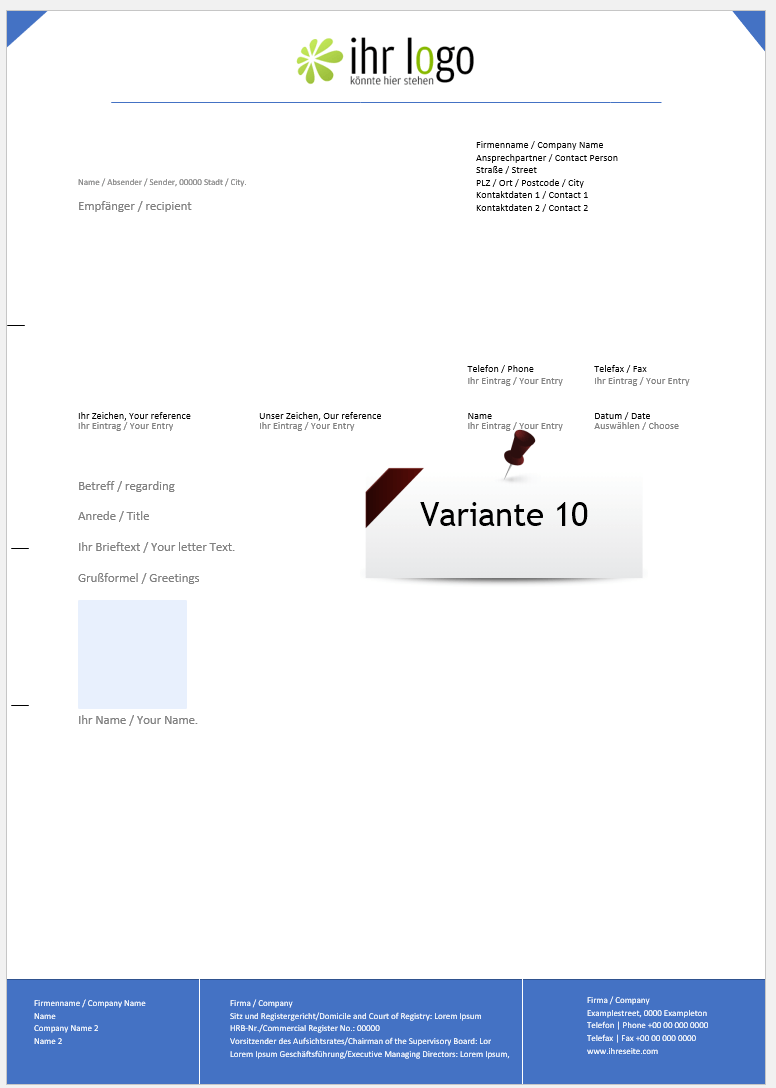
available in 10 design variants:
(click on image to enlarge)
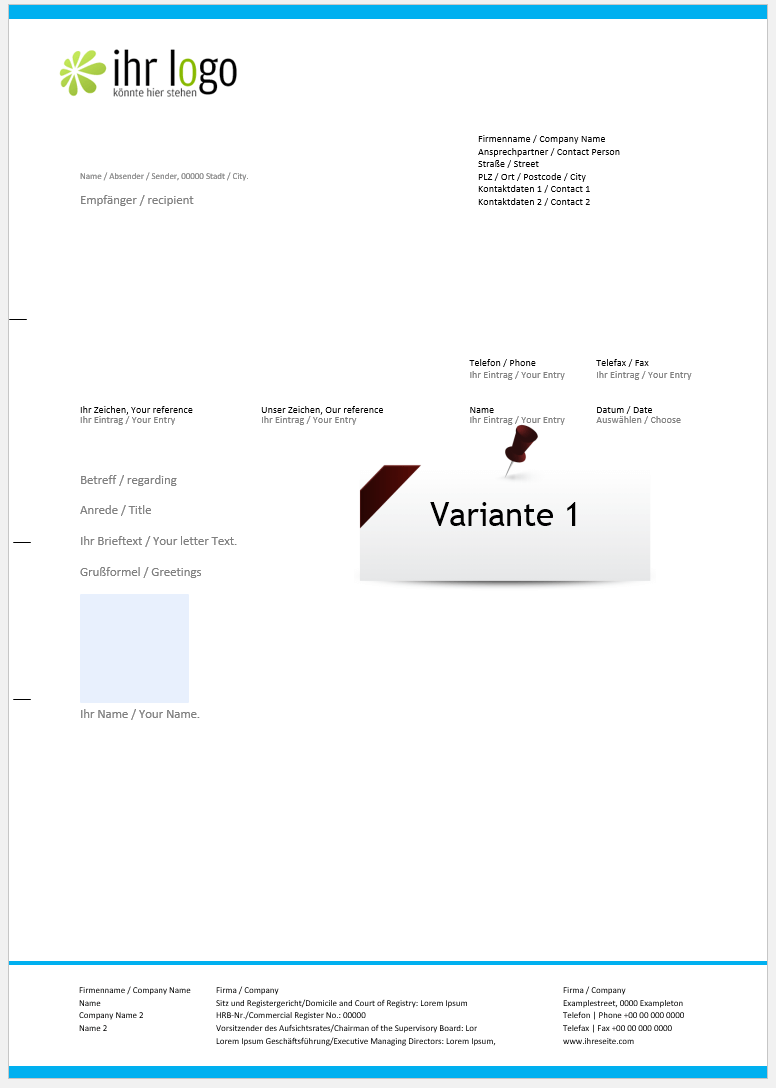
more product pictures:
(click on image to enlarge)

Offer price for: 14.95€ only 10.95€
SKU: N/A Category: Tags: ,

Description

Details

You will receive your download which includes detailed PDF instructions and the Word business letter template 2023 – DIN 5008.

After the first adjustment, the template can be easily integrated into your system for later quick access.
(Step by step instructions are included)

Note:
For full functionality you need a Office version from 2010 for Windows

We also recommend the following software:

Features

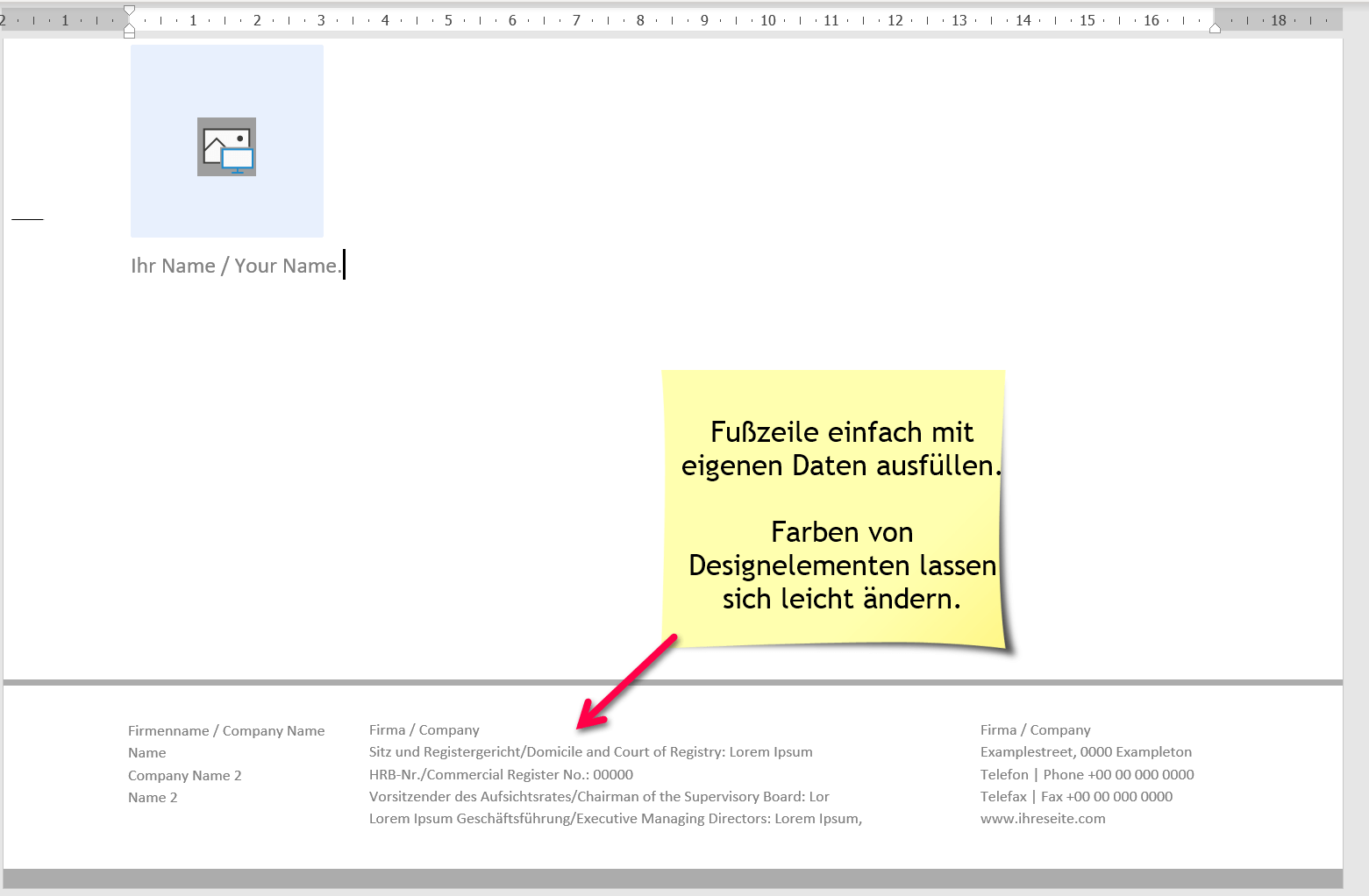
  • Freely editable business letter template DIN 5008
  • Scalable field for company logo.
  • incl. additional sender field on the right.
  • incl. Sender line above recipient field for envelopes with viewing window.
  • incl. Date drop-down selection.
  • incl. Drop-down selection with international forms of address.
  • incl. Drop-down selection with international greetings.
  • Easiest operation with controls and form fields.
  • All colors of design elements can be easily changed.
  • Optimized for window envelopes.
  • incl. Quick guide to customization and use.

Matching recommendations for the product:

Popular Posts:

2910, 2025

Wer ist wo? Microsoft Teams schafft Klarheit im Hybrid-Büro

October 29th, 2025|Categories: Homeoffice, Microsoft Office, Microsoft Outlook, Microsoft Teams, Office 365, Shorts & Tutorials, Software|Tags: , , |

Die neue Arbeitsstandort-Funktion in Microsoft Teams zeigt, wer im Büro oder remote arbeitet. Verbessern Sie Ihre Meeting-Planung in Outlook und die Team-Koordination. Wir erklären die Vorteile, die Admin-Steuerung und die tiefe Anbindung an Microsoft Viva.

2910, 2025

Excel Tutorial: How to quickly and safely remove duplicates

October 29th, 2025|Categories: Shorts & Tutorials, Microsoft Excel, Microsoft Office, Office 365|Tags: , |

Duplicate entries in your Excel lists? This distorts your data. Our tutorial shows you, using a practical example, how to clean up your data in seconds with the "Remove Duplicates" function – whether you want to delete identical rows or just values ​​in a column.

2710, 2025

Dynamic ranges in Excel: OFFSET function

October 27th, 2025|Categories: Shorts & Tutorials, Microsoft Excel, Microsoft Office, Office 365|Tags: , |

The OFFSET function in Excel creates a flexible reference. Instead of fixing =SUM(B5:B7), the function finds the range itself, e.g., for the "last 3 months". Ideal for dynamic charts or dashboards that grow automatically.

2710, 2025

Mastering the INDIRECT function in Excel

October 27th, 2025|Categories: Shorts & Tutorials, Microsoft Excel, Microsoft Office, Office 365|Tags: , |

The INDIRECT function in Excel converts text into a real reference. Instead of manually typing =January!E10, use =INDIRECT(A2 & "!E10"), where A2 contains 'January'. This allows you to easily create dynamic summaries for multiple worksheets.

2310, 2025

From assistant to agent: Microsoft’s Copilot

October 23rd, 2025|Categories: Shorts & Tutorials, Artificial intelligence, AutoGPT, ChatGPT, Homeoffice, LLaMa, Microsoft Excel, Microsoft Office, Microsoft Outlook, Microsoft PowerPoint, Microsoft Teams, Microsoft Word, Office 365, TruthGPT, Windows 10/11/12|Tags: , , , |

Copilot is growing up: Microsoft's AI is no longer an assistant, but a proactive agent. With "Vision," it sees your Windows desktop; in M365, it analyzes data as a "Researcher"; and in GitHub, it autonomously corrects code. The biggest update yet.

2110, 2025

Windows 12: Where is it? The current status in October 2025

October 21st, 2025|Categories: Shorts & Tutorials, Homeoffice, Microsoft Office, Windows 10/11/12|Tags: , , |

Everyone was waiting for Windows 12 in October 2025, but it didn't arrive. Instead, Microsoft is focusing on Windows 11 25H2 and "Copilot+ PC" features. We'll explain: Is Windows 12 canceled, postponed, or is it already available as an AI update for Windows 11?

Anzeige

Offers 2024: Word & Excel Templates

Anzeige

You may also like…

Ads

Popular Posts:

Search by category:

Autumn Specials:

Anzeige
Go to Top