Career booster 2026:
These Microsoft Office skills will take you further!


A new year is just around the corner – the perfect time to focus on your career. Whether you’re planning a job change or want to advance in your current role, solid and up-to-date Microsoft Office skills are often key. But what exactly will be in demand in 2026? We’ll show you which skills really matter and how to demonstrate them.
More than just the basics: The new must-haves
“Proficient use of MS Office” is a requirement in almost every job posting. But what does that actually mean today? Simply typing in Word or calculating basic sums in Excel is no longer sufficient.
Advanced Excel Skills: Data is the new gold. Skills in Power Query for automated data preparation and pivot tables for rapid analysis are in high demand. Those who are proficient in these areas save hours of manual work – a huge advantage for any employer.
AI Skills (Copilot): The integration of AI, such as Microsoft 365 Copilot, is transforming office work. Knowing how to efficiently use AI for summaries, email drafts, or data analysis (and where its limitations lie!) is quickly becoming an essential core competency.
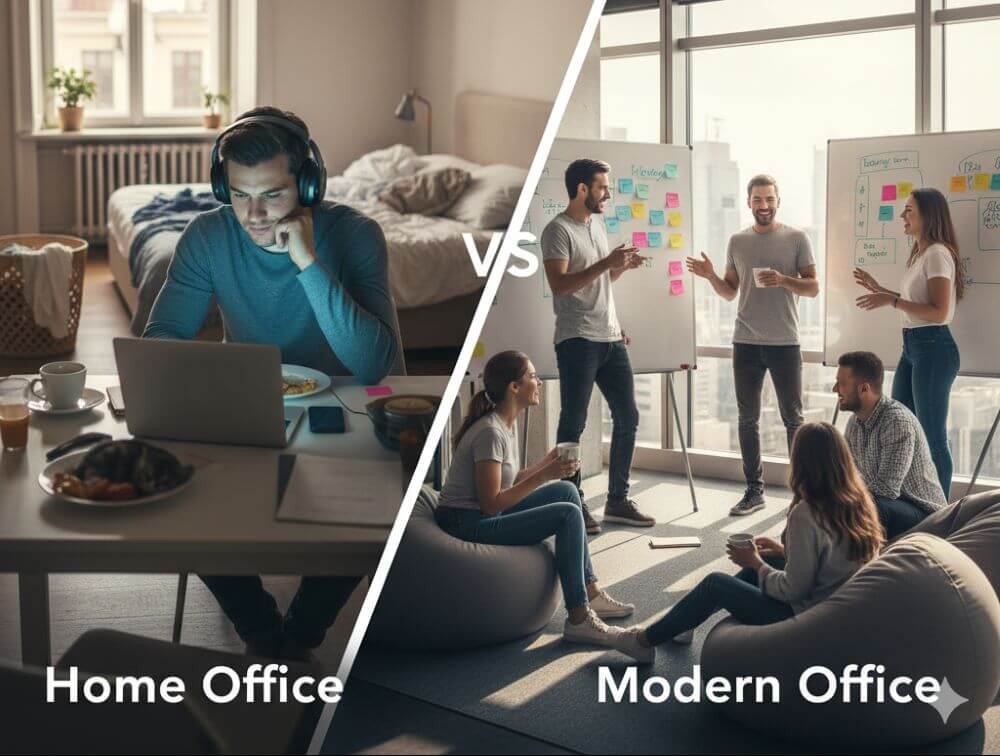
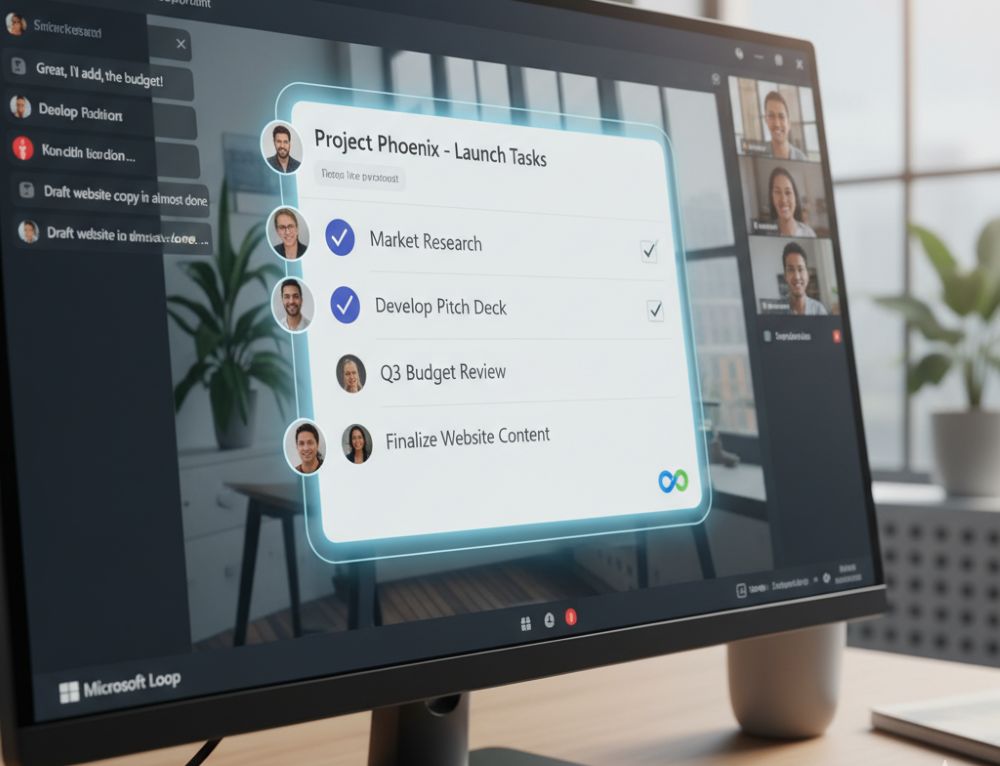
Collaboration with Teams & Loop: Modern work is teamwork. It’s no longer just about video calls, but about the effective use of Teams channels, collaborative work on documents in real time, and the organization of information with Microsoft Loop components.
Certifications: Your skills in black and white
A resume can claim a lot. Certificates prove it.
Microsoft Office Specialist (MOS): The classic. These official Microsoft certifications are recognized worldwide and confirm your expertise in specific programs like Excel (Associate or Expert level).
LinkedIn Learning & Co.: Certificates from reputable online platforms can also enhance your resume, especially if they cover current topics like “AI in everyday office work.”
Tips for your resume
Be specific: Instead of just writing “MS Office skills,” provide details: “Advanced Excel skills (VLOOKUP, PivotTables, Power Query)” or “Experienced in hybrid collaboration with MS Teams.”
Show up-to-date knowledge: Mention if you’re familiar with the latest versions or features (like Copilot). This signals a willingness to learn and a modern approach.
Invest in your digital skills now. It’s an investment that’s guaranteed to pay off in 2026!

Beliebte Beiträge

The best tips for Microsoft Word
Sparen Sie mit diesen Tipps für Microsoft Word viel Zeit und Nerven. Arbeiten Sie effektiver mit der beliebtesten Textverarbeitungssoftware.

Why is my Excel File so big?
Solve the problem with Excel spreadsheets that take up several megabytes of space without any apparent reason.

The most important tips for Excel
These 10 tips for Microsoft Excel 2016/2019 with questions that many users ask every day are guaranteed to help you and save a lot of time.

More fonts in Word through Google Fonts
You can find out how to expand the font selection in Word with just a few steps and above all free in our article.
Move pages and insert new ones in word
You probably also know the situation that you are sitting on a very long document, and in the middle of it falls on the actually between page 2 and page 3 still a page in between must.
The Sreference and the Wreference in Excel
Microsoft Excel: How to get S-reference and W-reference purposefully data out of a source.
Offers 2024: Word & Excel Templates