The most important tips for online banking
The number of participants in online banking is growing, and is enjoying increasing enthusiasm.
In the year 2018, 50% of Germans now have online access to their checking account. Nevertheless, on closer examination, the proportion has grown by only about 5% in the past 5 years. The reasons for this are among others, often the recurrent reports about security vulnerabilities, or stolen records. Of course, this does not necessarily create trust among customers.
In part, however, it is also the case that the users even by ignorance, or negligence, your data in the hands of scammers, or at least make it easy. In our article, we would like to point out the most important points from our point of view, so that you can do your money conveniently and, above all, safely from home.
The most important tips for online banking
The number of participants in online banking is growing, and is enjoying increasing enthusiasm.
In the year 2018, 50% of Germans now have online access to their checking account. Nevertheless, on closer examination, the proportion has grown by only about 5% in the past 5 years. The reasons for this are among others, often the recurrent reports about security vulnerabilities, or stolen records. Of course, this does not necessarily create trust among customers.
In part, however, it is also the case that the users even by ignorance, or negligence, your data in the hands of scammers, or at least make it easy. In our article, we would like to point out the most important points from our point of view, so that you can do your money conveniently and, above all, safely from home.
1. Overview of the TAN procedure
1. Overview of the TAN procedure
After many attempts by the banks, the following procedures have now been established:
Although there are other methods, but basically it is as you have already noticed, always about as safe as possible to create a TAN or transfer.
After many attempts by the banks, the following procedures have now been established:
Although there are other methods, but basically it is as you have already noticed, always about as safe as possible to create a TAN or transfer.
2. Browser security in online banking
2. Browser security in online banking
Regardless of which of the above methods you use, they all presuppose that the entire chain of the components involved is protected.
And that includes the security of the PC and the browser used.
Note:
A good alternative to the standard browsers especially for online banking, but also for transactions via PayPal and other financial service providers offers the premium anti-virus software Bitdefender
This browser is specially secured by the attached anti-virus software to a high degree, and is absolutely recommendable from personal experience.
Regardless of which of the above methods you use, they all presuppose that the entire chain of the components involved is protected.
And that includes the security of the PC and the browser used.
Note:
A good alternative to the standard browsers especially for online banking, but also for transactions via PayPal and other financial service providers offers the premium anti-virus software Bitdefender
This browser is specially secured by the attached anti-virus software to a high degree, and is absolutely recommendable from personal experience.
3. Password security for online banking
3. Password security for online banking
Of course, all technical safety measures are useless if it fails the easiest. Namely the secure password.
Here we recommend that you think up a whole sentence that you may associate with personal events. And you should then change this as far as the e.g. every 2nd letter is capitalized, or the letter E is replaced by a 3.
You could then use special characters such as / or% between the words.
Basically, the more complex a password is, the better.
If you do not want to think of anything, you can also create an Online Password Generator. But it is better that you think your own.
Of course, all technical safety measures are useless if it fails the easiest. Namely the secure password.
Here we recommend that you think up a whole sentence that you may associate with personal events. And you should then change this as far as the e.g. every 2nd letter is capitalized, or the letter E is replaced by a 3.
You could then use special characters such as / or% between the words.
Basically, the more complex a password is, the better.
If you do not want to think of anything, you can also create an Online Password Generator. But it is better that you think your own.
4. Protection against phishing in online banking
4. Protection against phishing in online banking
The methods that scammers are trying to get at your bank details are almost limitless.
In any case, you should pay attention to the following points to make it as difficult as possible for such people:
The methods that scammers are trying to get at your bank details are almost limitless.
In any case, you should pay attention to the following points to make it as difficult as possible for such people:
5. Free checking accounts in comparison
5. Free checking accounts in comparison
6. Installment loans in comparison
6. Installment loans in comparison

Popular Posts:

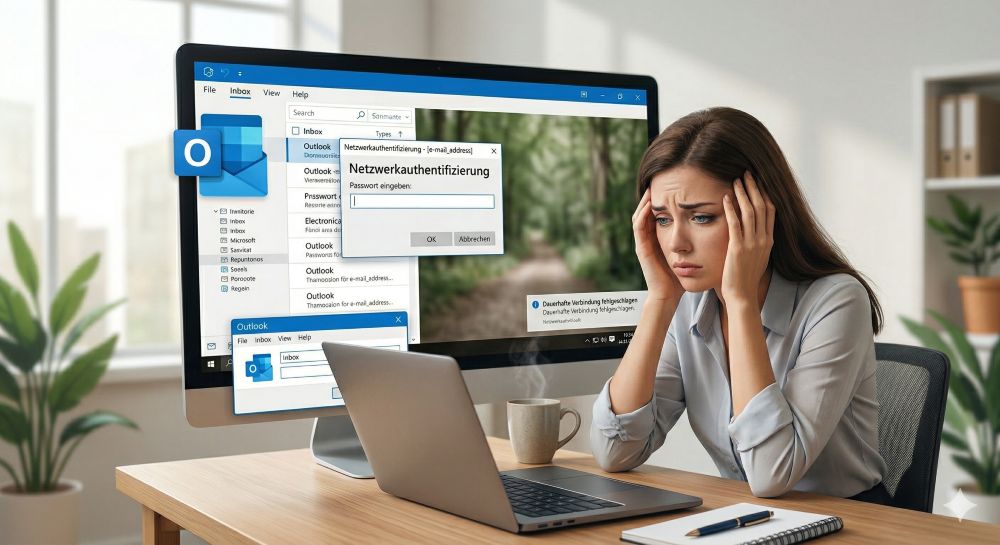
Outlook fragt ständig nach dem Passwort? So stoppen Sie die Dauerschleife
Wenn Outlook trotz gespeichertem Passwort ständig nach den Anmeldedaten fragt, blockiert das den E-Mail-Verkehr. Meist helfen das Löschen defekter Windows-Anmeldedaten oder neue App-Passwörter. Erfahren Sie hier, wie Sie das Problem mit wenigen Klicks dauerhaft lösen.

Mikrofon geht nicht in Teams, Zoom oder Meet?
Ein stummes Mikrofon im Meeting ist frustrierend. Oft sind kleine Hardware-Fehler, fehlende System-Rechte oder falsche App-Einstellungen schuld. Dieser Ratgeber liefert Ihnen systematische Schritt-für-Schritt-Lösungen, damit Sie in Teams, Zoom und Meet wieder gehört werden.

Der Drucker druckt nicht: Ursachen, Fehlerquellen und schnelle Lösungen
Ein streikender Drucker kostet Nerven, lässt sich aber meist schnell reparieren. In diesem Ratgeber zeigen wir dir Schritt für Schritt, wie du Papierstaus, WLAN-Abbrüche, Treiberfehler und leere Patronen erkennst und behebst, damit dein Gerät sofort wieder druckt.

Was tun, wenn Outlook nicht mehr startet oder abstürzt?
Wenn Microsoft Outlook plötzlich einfriert oder sich nicht öffnen lässt, ist schnelle Hilfe gefragt. In diesem Artikel zeigen wir Ihnen die effektivsten Lösungswege – vom abgesicherten Modus über die Office-Reparatur bis hin zum Reparieren beschädigter Datendateien.

Erste Hilfe: Wenn das Windows-Update hängt
Ein eingefrorenes Windows-Update ist ärgerlich, lässt sich aber meist schnell lösen. Dieser Ratgeber zeigt Ihnen, wie Sie mit Geduld, einem sicheren Neustart und Windows-Bordmitteln wie der Problembehandlung oder dem Leeren des Caches das System wieder zum Laufen bringen.

Reibungsloser Wechsel: Passwörter und Lesezeichen sicher umziehen
Der Wechsel auf einen neuen PC oder Browser ist schnell erledigt. Mit unserer Anleitung exportieren und importieren Sie Lesezeichen und Passwörter absolut sicher. Erfahren Sie, worauf Sie bei Chrome, Firefox und Edge achten müssen und warum ein Passwortmanager lohnt.
Angebote 2025/2026 in: Vorlagen











Popular Posts:
Outlook fragt ständig nach dem Passwort? So stoppen Sie die Dauerschleife
Wenn Outlook trotz gespeichertem Passwort ständig nach den Anmeldedaten fragt, blockiert das den E-Mail-Verkehr. Meist helfen das Löschen defekter Windows-Anmeldedaten oder neue App-Passwörter. Erfahren Sie hier, wie Sie das Problem mit wenigen Klicks dauerhaft lösen.
Mikrofon geht nicht in Teams, Zoom oder Meet?
Ein stummes Mikrofon im Meeting ist frustrierend. Oft sind kleine Hardware-Fehler, fehlende System-Rechte oder falsche App-Einstellungen schuld. Dieser Ratgeber liefert Ihnen systematische Schritt-für-Schritt-Lösungen, damit Sie in Teams, Zoom und Meet wieder gehört werden.
Der Drucker druckt nicht: Ursachen, Fehlerquellen und schnelle Lösungen
Ein streikender Drucker kostet Nerven, lässt sich aber meist schnell reparieren. In diesem Ratgeber zeigen wir dir Schritt für Schritt, wie du Papierstaus, WLAN-Abbrüche, Treiberfehler und leere Patronen erkennst und behebst, damit dein Gerät sofort wieder druckt.
Was tun, wenn Outlook nicht mehr startet oder abstürzt?
Wenn Microsoft Outlook plötzlich einfriert oder sich nicht öffnen lässt, ist schnelle Hilfe gefragt. In diesem Artikel zeigen wir Ihnen die effektivsten Lösungswege – vom abgesicherten Modus über die Office-Reparatur bis hin zum Reparieren beschädigter Datendateien.
Erste Hilfe: Wenn das Windows-Update hängt
Ein eingefrorenes Windows-Update ist ärgerlich, lässt sich aber meist schnell lösen. Dieser Ratgeber zeigt Ihnen, wie Sie mit Geduld, einem sicheren Neustart und Windows-Bordmitteln wie der Problembehandlung oder dem Leeren des Caches das System wieder zum Laufen bringen.
Reibungsloser Wechsel: Passwörter und Lesezeichen sicher umziehen
Der Wechsel auf einen neuen PC oder Browser ist schnell erledigt. Mit unserer Anleitung exportieren und importieren Sie Lesezeichen und Passwörter absolut sicher. Erfahren Sie, worauf Sie bei Chrome, Firefox und Edge achten müssen und warum ein Passwortmanager lohnt.
Angebote 2025/2026 in: Vorlagen